WARNING
This page is machine-translated by Gemini.
Using SheepComb Web
SheepComb Web provides an end-to-end suite of tools for translation data extraction, volume counting, structuring (applying TM/TB), AI-assisted translation/checking, terminology search, and text diffing.
SheepComb Web requires zero installation and runs directly in your browser (Google Chrome, Edge, etc.).
Except for AI translation requests, all parsing and data manipulation is executed entirely in-browser (client-side), ensuring absolute data confidentiality.
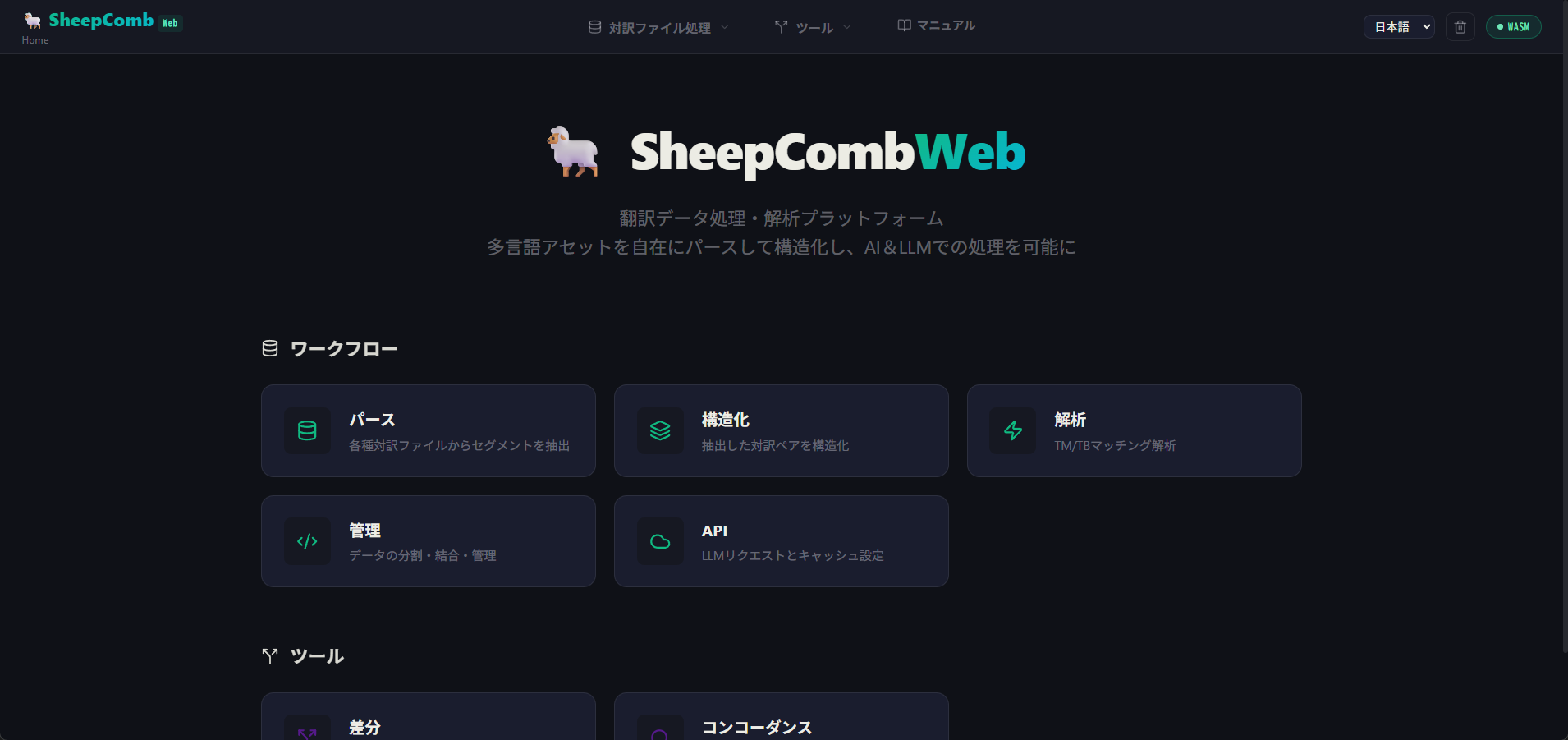
Standard Bilingual Data Workflow
SheepComb Web offers a standardized 6-step workflow to prepare data safely and accurately for AI processing:
| # | Step Name | Description |
|---|---|---|
| 1 | Extract (Parse) | Extracts source and target segment pairs from various file formats. |
| 2 | Filter / Sample | Removes duplicates, locked lines, and non-translatable segments (DNT). |
| 3 | Structure | Unifies multiple datasets into a structured "Project Data" format (ShWvData). |
| 4 | Analyze (Match) | Matches against TM and TB to detect 100% and fuzzy matching segments. |
| 5 | Manage (Chunk / Convert) | Splits data into optimal AI chunk sizes and exports to JSON / JSONL. |
| 6 | AI Request (API) | Sends chunked datasets and custom prompts to LLMs for batch translation or QA. |