About SheepComb
SheepComb is a web application that brings together commonly used translation and localization workflows into a unified GUI, including file conversion, bilingual alignment, LQA support, and text processing.
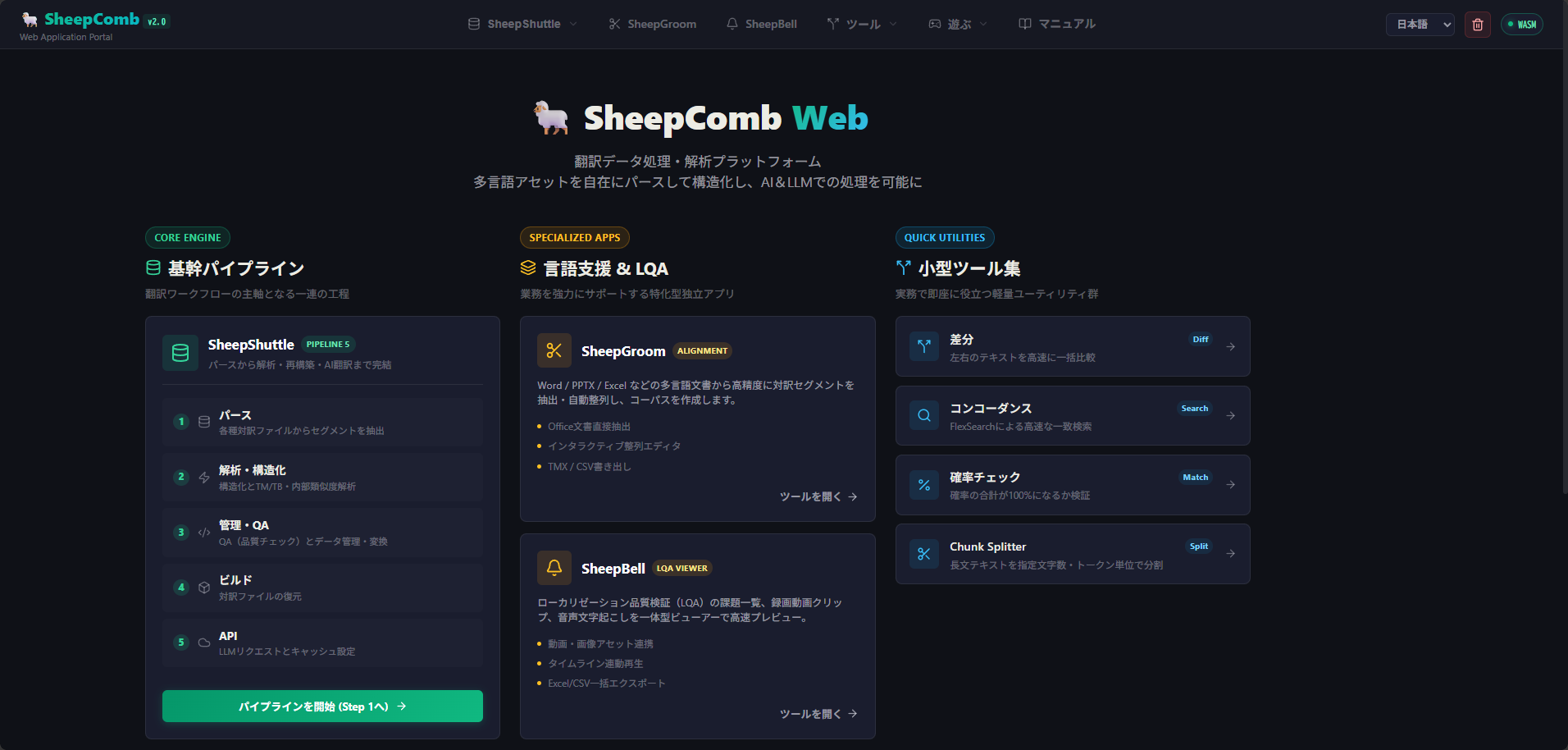
Data Processing Notice
Most processing runs entirely within your browser. Except when communicating with SheepBobbin, the app operates completely offline.
SheepShuttle
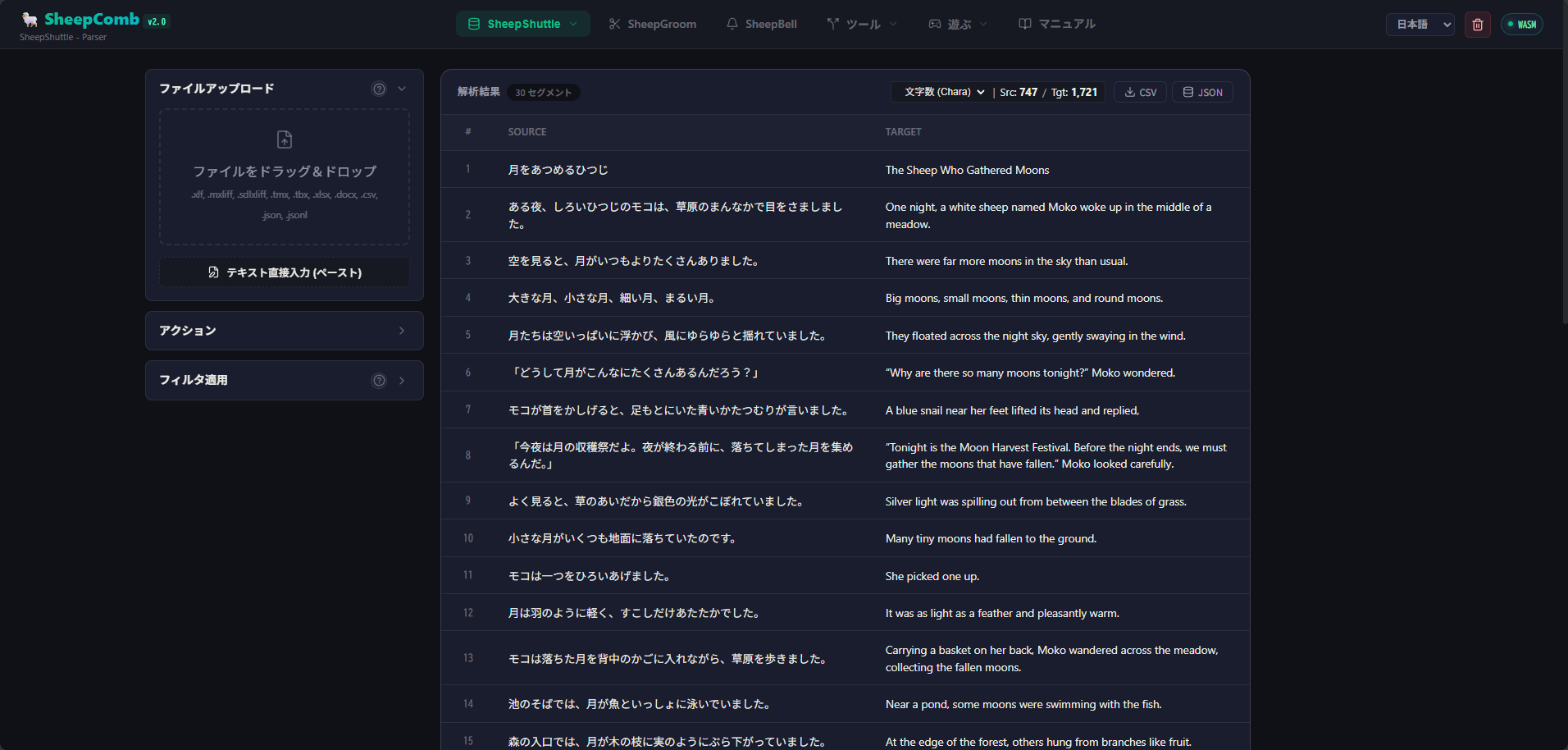
Translators frequently work with bilingual data. CAT tools are the most common example: source text on the left, target text on the right, translating segment by segment.
Have you ever found yourself wanting to:
- Export this data directly to Excel?
- Copy only the target translations vertically in bulk?
- See immediately which segments are similar without opening a heavy desktop tool?
- Connect with custom AI models instead of pre-configured vendor machine translation?
- Stop managing separate, disconnected XLIFF, TMX, and TBX files?
SheepShuttle was developed specifically to address these challenges.
SheepShuttle is not intended to initiate new translations from scratch, but rather to maximize the value of existing translation assets. It operates on existing bilingual files, translation memories, and terminology glossaries:
- Extract translation data from XML (XLIFF, etc.) and CSV, compute volume counts, and structure data (with TM/TB matching).
- Cross-reference translation memories (TM) and termbases (TB) to identify exact and fuzzy matches.
- Detect tag corruptions, numerical discrepancies, and terminology inconsistencies (QA).
- Chunk data into optimal sizes for LLM processing or export in various formats.
- Send chunked segments and custom prompts to AI for batch translation and verification.
- Structure data and inject rich context for enhanced LLM precision. Supports local and cloud models.
By restructuring complex translation data into clean formats and exporting it back to CAT-ready files, SheepShuttle functions like a weaver's shuttle — smoothly shuttling data back and forth.
To process bilingual files with SheepShuttle, see here.
SheepGroom

When translating in Word, Excel, or PowerPoint, the original and translated files are separate. In this state, processing them with SheepShuttle is challenging. From a DTP or web production perspective, paired source and target segments also streamline operator tasks.
This is where alignment tools come in: comparing pre- and post-translation documents to establish segment correspondences.
While conventional CAT tools include alignment features, they often discard contextual groupings — such as paragraphs, sheets, slides, or notes — and attempt matching solely on raw sentence text.
SheepGroom approaches alignment differently. It first aligns content at human-recognizable structural units, allowing for fine-grained sentence-level adjustments as needed:
- Keep coarse paragraph- or slide-level alignments for overview reference.
- Manually refine sentence-level pairs when high precision is required.
During adjustments, SheepGroom retains contextual metadata (such as paragraph indices, slide numbers, and shared text boxes) so linguists never lose track of context.
For detailed instructions on creating bilingual pairs with SheepGroom, see here.
SheepBell
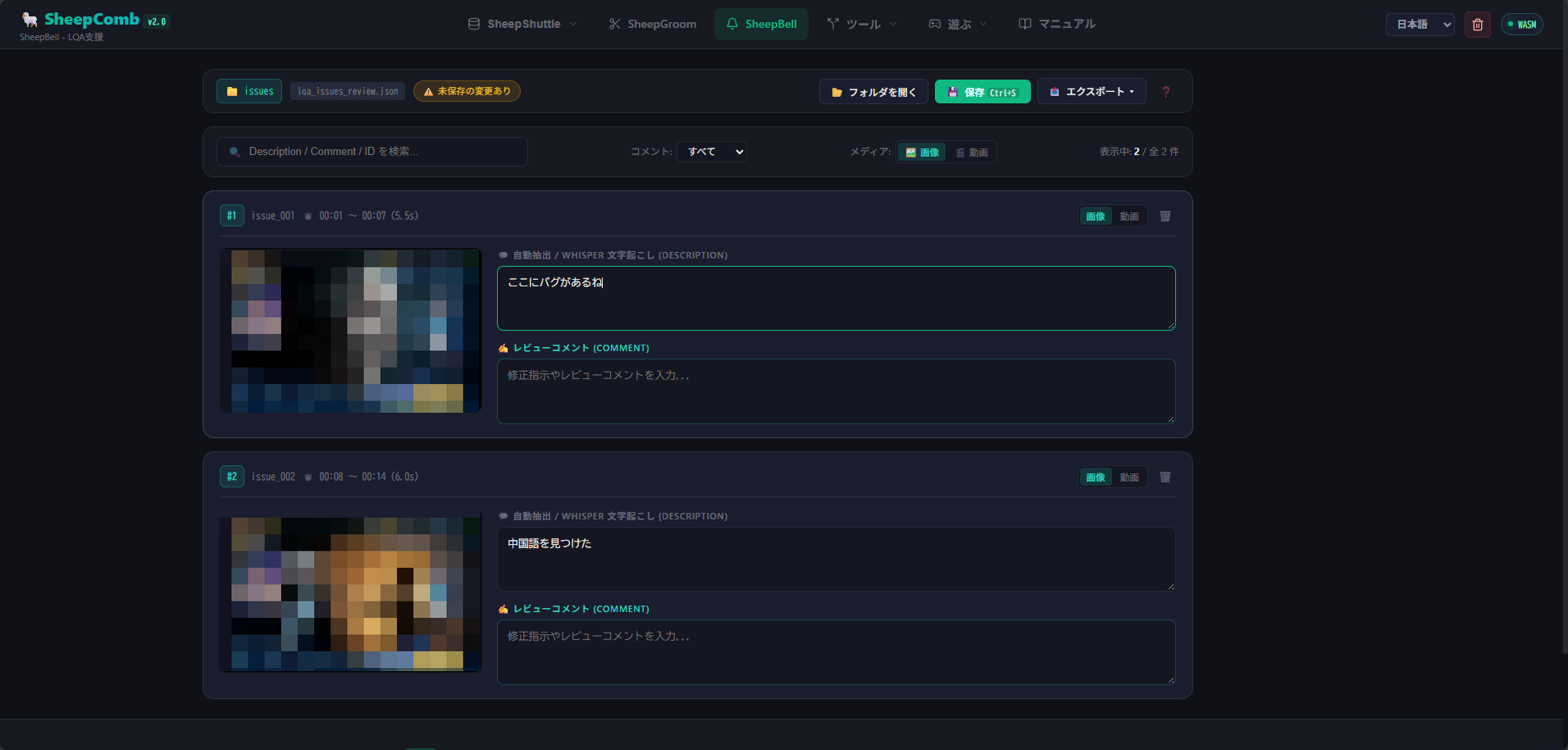
SheepBell was born out of real-world Language Quality Assurance (LQA) project experience.
During LQA, game testers often record gameplay via OBS while capturing screenshots, later consolidating everything into a bug report. Over a 4-hour review session, capturing hundreds of screenshots can lead to tedious questions:
- "Which scene was this from?"
- "What timestamp in the recording did this occur?"
Since testers already wear headsets, why not speak observations aloud and use the audio track as automatic bookmarks?
SheepBell automates this entire pipeline: detecting speech segments from the tester's mic track, extracting synchronized video clips, taking snapshots, and transcribing voice notes — all integrated to streamline LQA reviews and reporting.
To perform LQA with SheepBell, see here.
Getting Started with SheepComb
SheepComb requires no installation and runs directly in modern web browsers (such as Google Chrome). Open SheepComb and select the desired tool from the menu.
(Note: The SheepBell LQA viewer may experience folder access limitations in Firefox; Chromium-based browsers are recommended.)